
Adding captions to Gallery images
Captions are short descriptions or titles that are displayed below the photographs in your galleries. Adding captions is a practical way to provide more context around your photos and they hold SEO value.
How to add captions to gallery images on your Springnest website
Step 1: Select the Website tab, and ensure you are in the Pages section > Select Galleries from the left-hand menu > Click Edit, next to the name of the Gallery you would like to add Captions to
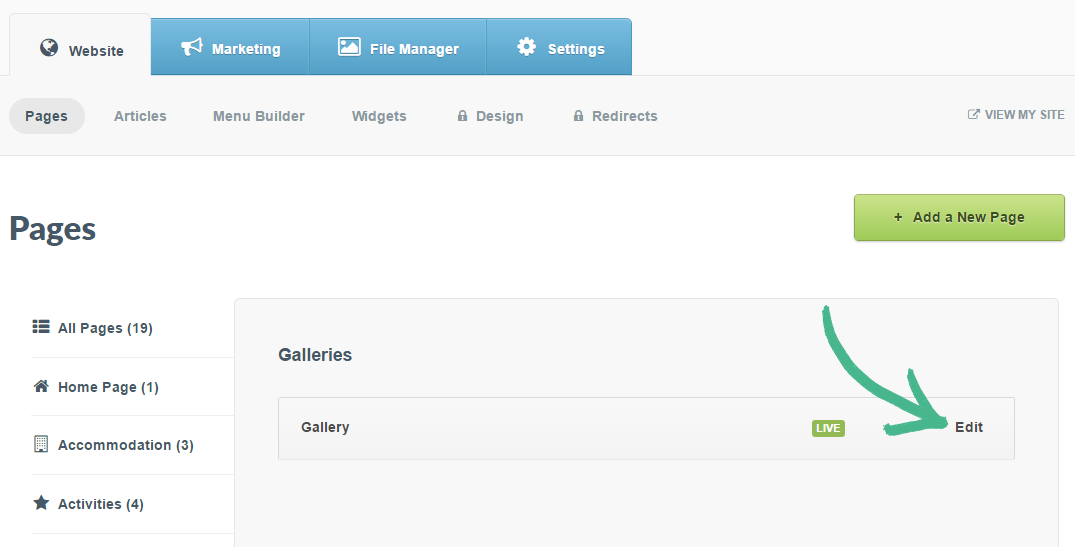
Note: This can be a gallery page, or a gallery section on a room, activity or canvas page
Step 2: Click Images in the left-hand menu
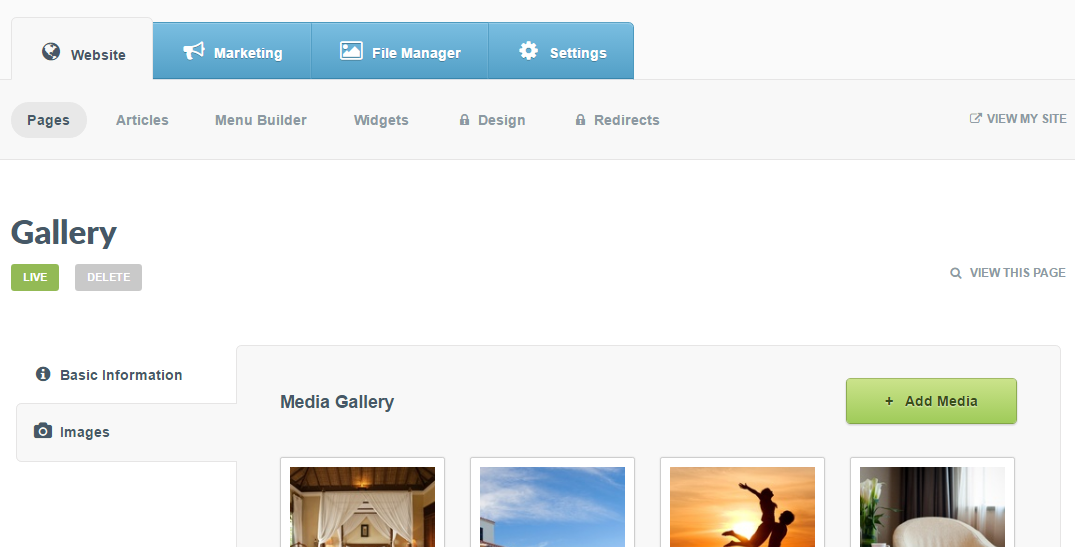
Step 3: Each image in your gallery has two options: Edit or Remove > Click Edit on the image you would like to add a caption to
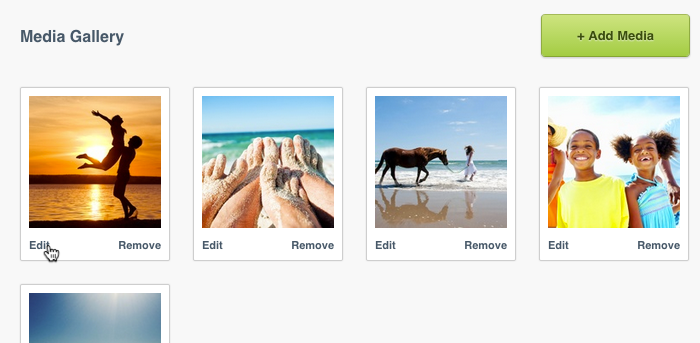
Step 4: In the pop-up window, type your caption into the Add a caption field > Click Save

Step 5: Once you have added captions to all the desired images, click the Save button at the bottom of the page