
How to create a Frequently Asked Questions (FAQ) page
Edited
Prospective bookers have questions that stand between them and browsing your website and booking their stay. In this guide, we help you create a FAQ page that is well structured.
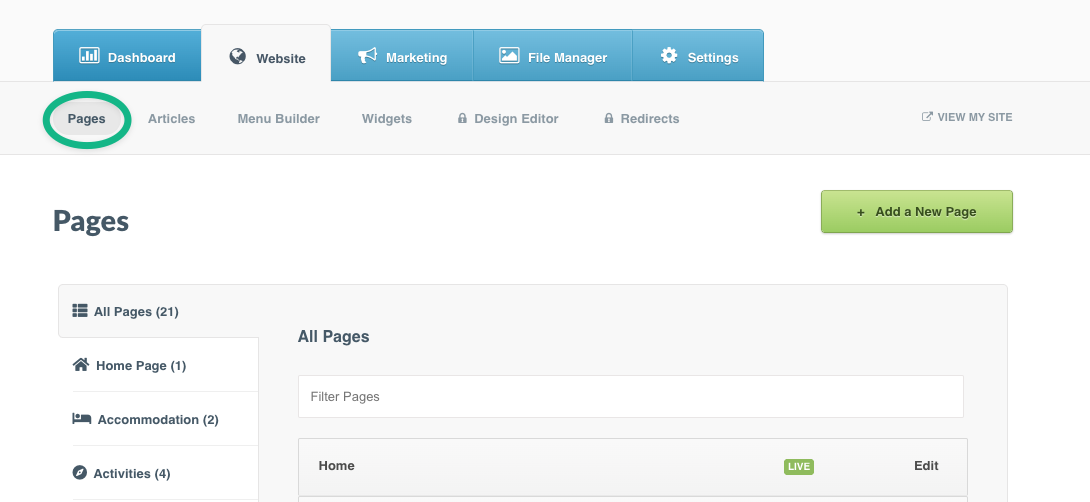
Step 1: Navigate to the Website tab > click Pages
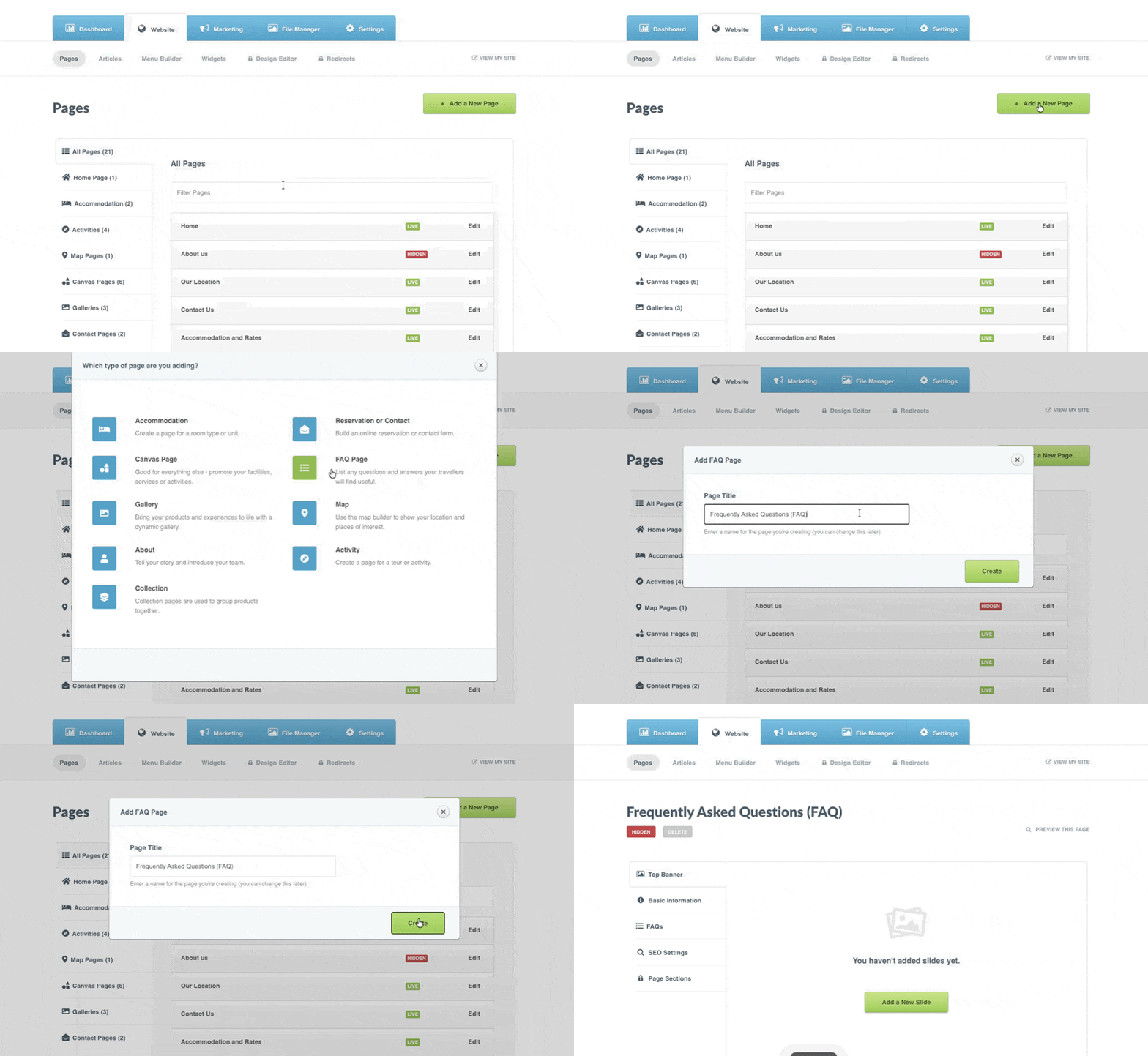
Step 2: Click the +Add a new Page button > Select the FAQ page type > Add a Page Title
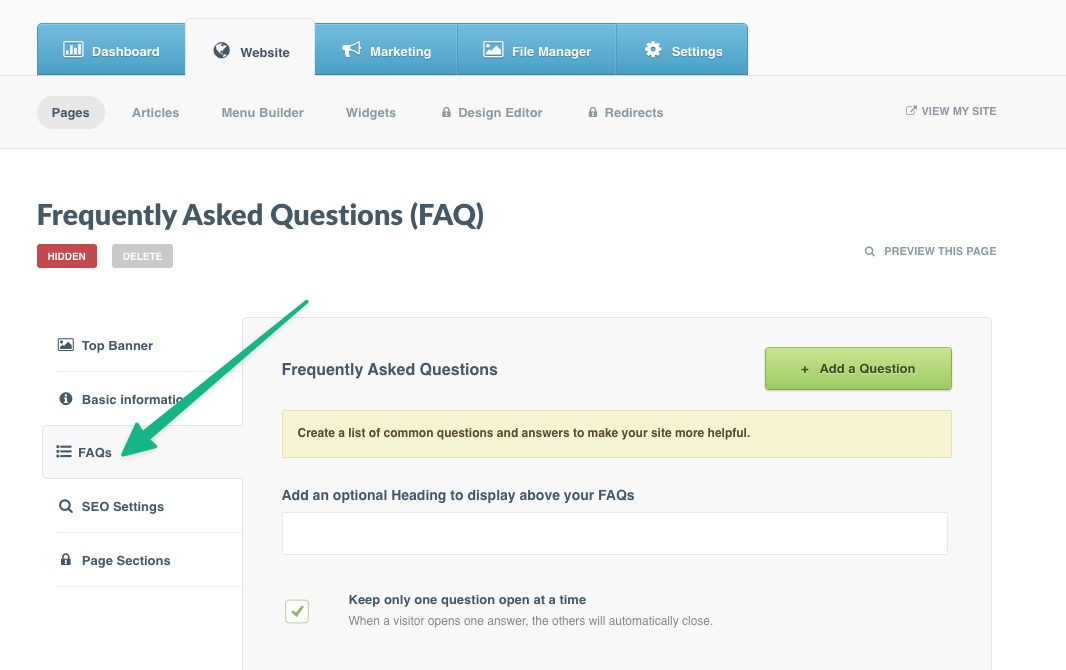
Step 3: Click the dedicated FAQ section in the left-hand menu
Step 4: Click the +Add a new Question button > complete the Title, Question, and Answer fields
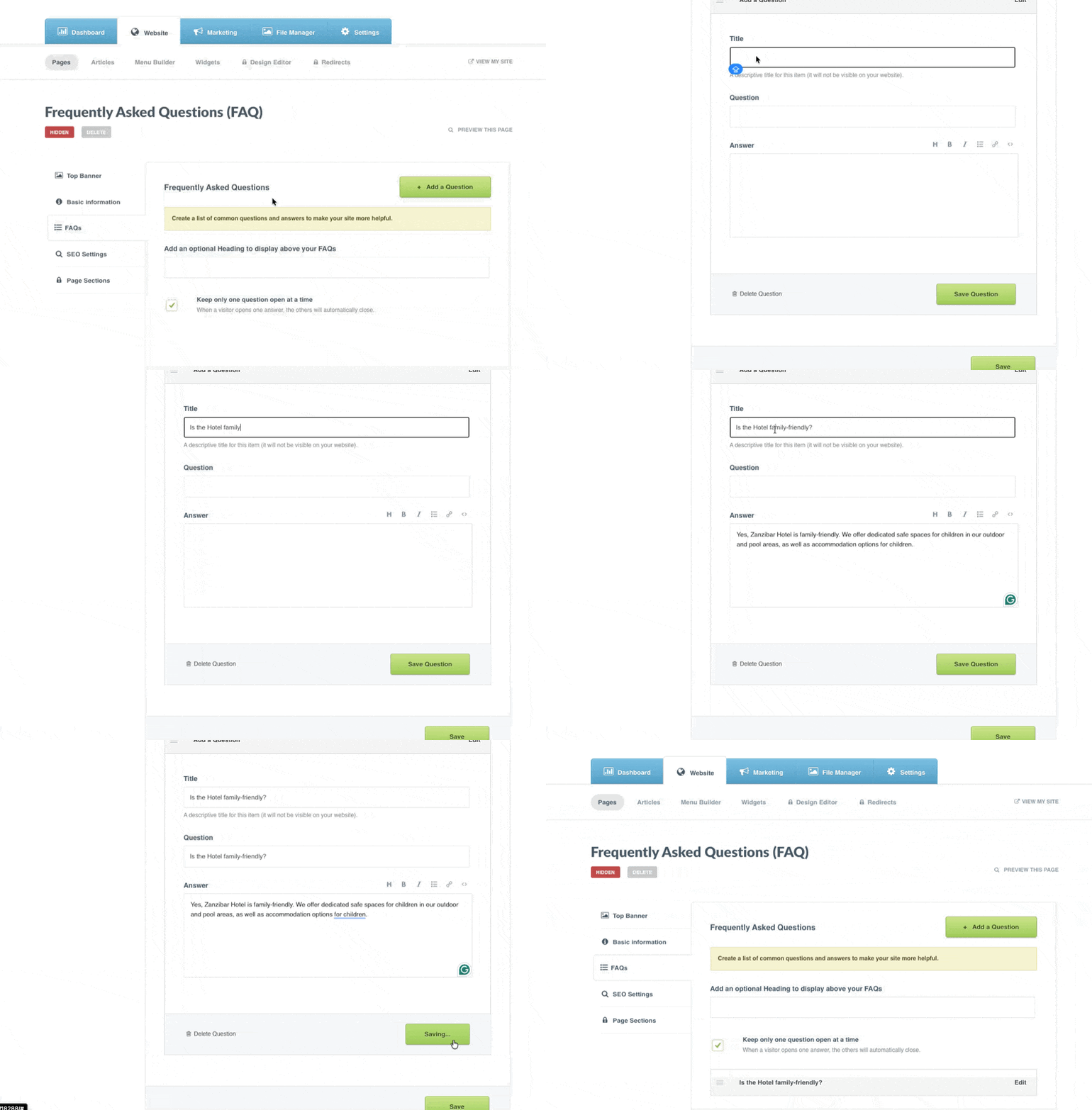
Tip: Add each question individually; this helps website visitors find the relevant question they need answers to at a glance
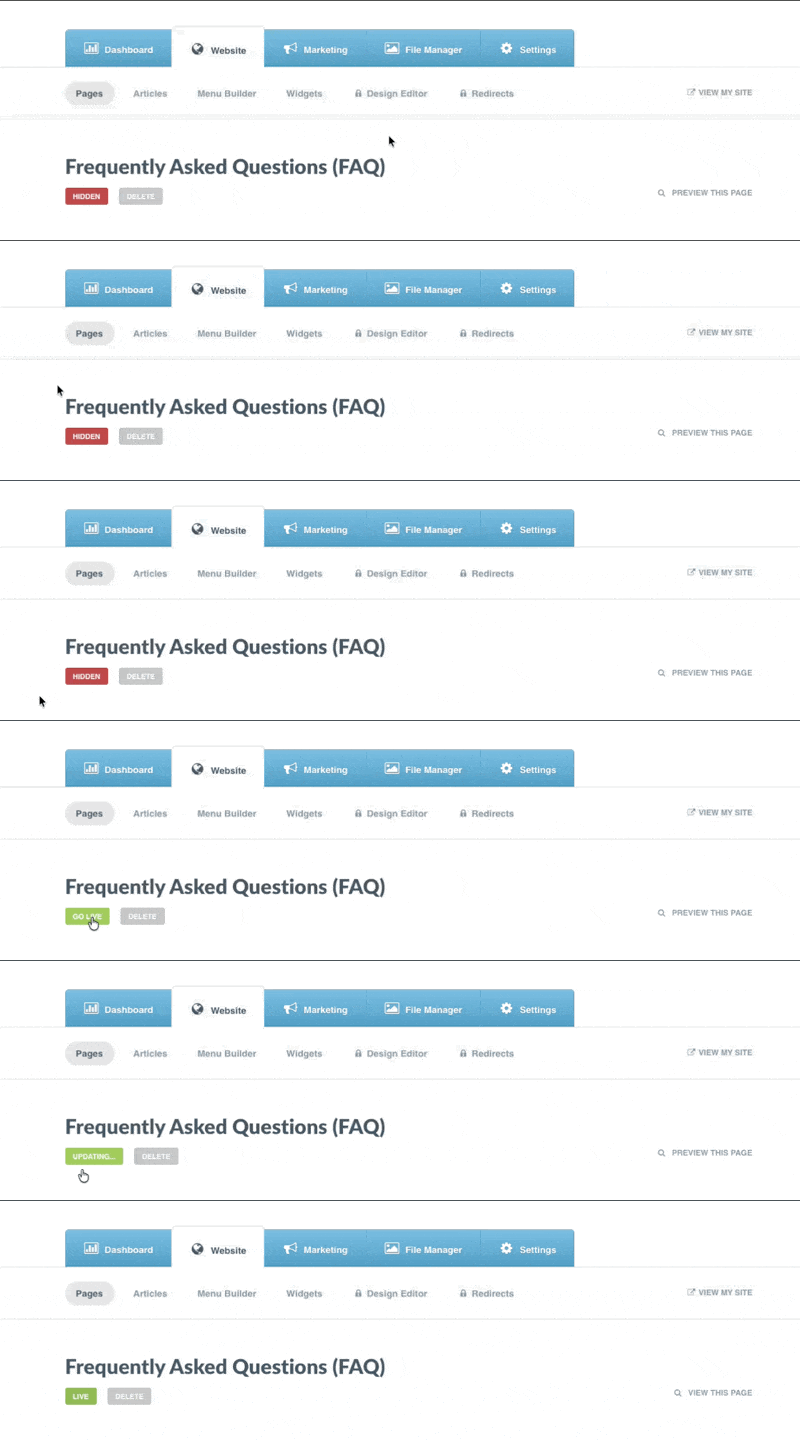
Step 5: Set your page as Live
Need advice on how to write FAQ pages that help your guests and increase direct bookings? Read our full article here.
Was this article helpful?
Sorry about that! Care to tell us more?