
Removing images or videos from your Gallery
Edited
How to remove photos or videos from the Gallery page
Step 1: Select the Website tab > Click Pages > Select Galleries from the left-hand menu
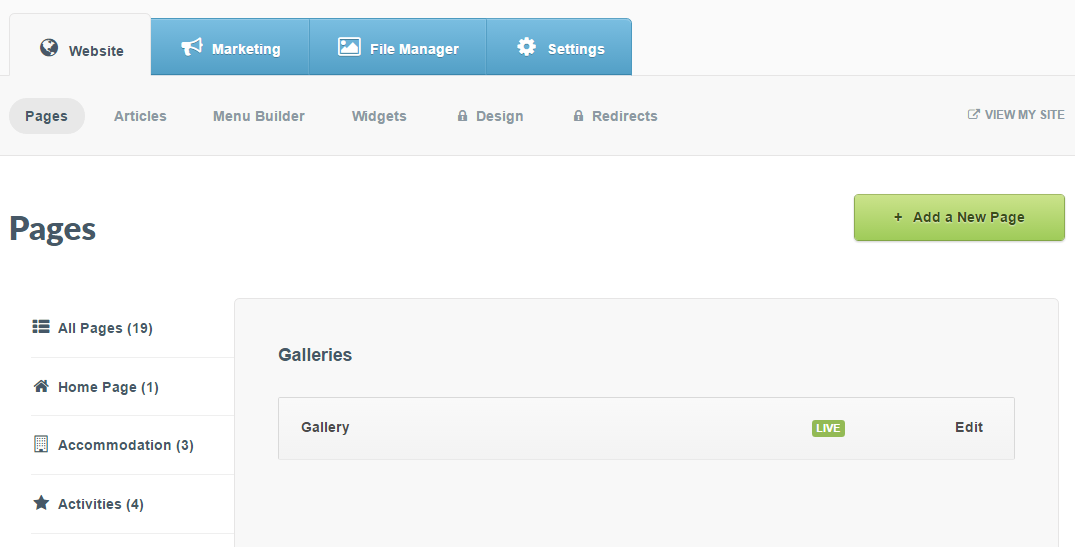
Step 2: Select the Gallery you would like to remove the images or videos from
Example: "Gallery" (as seen below)
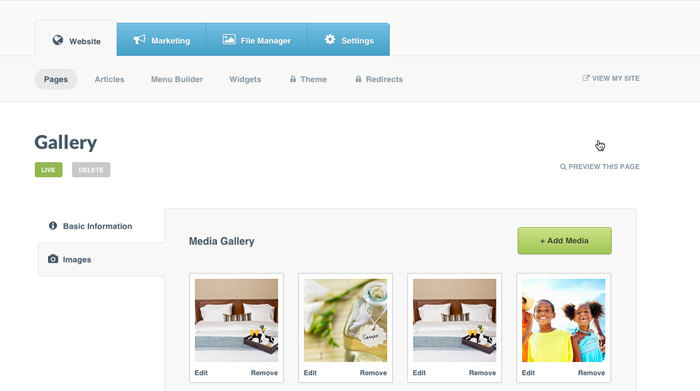
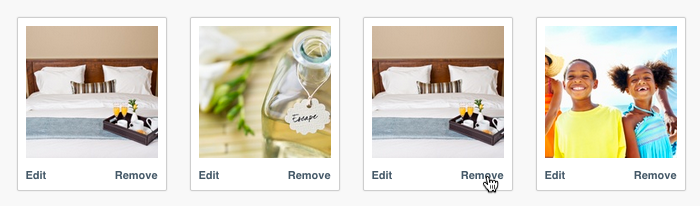
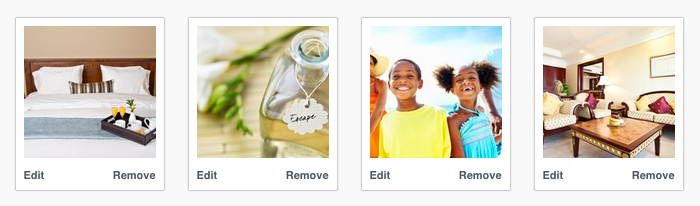
Step 3: Find the image or video you want to remove > Click Remove in the bottom right-hand corner of the thumbnail
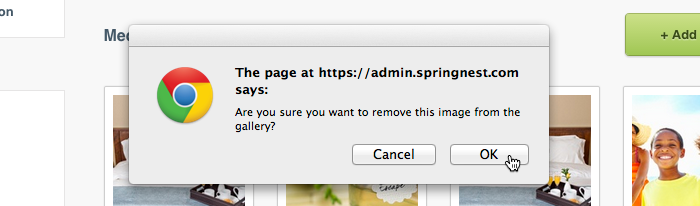
Step 4: Confirm that you wish to remove the image or video from the Gallery by clicking OK
Step 5: The image or video is now removed from your Gallery
Was this article helpful?
Sorry about that! Care to tell us more?