
Add or edit your business' Physical Address
Edited
Step 1: Under the Settings Tab > Select Physical Address from the left-hand menu
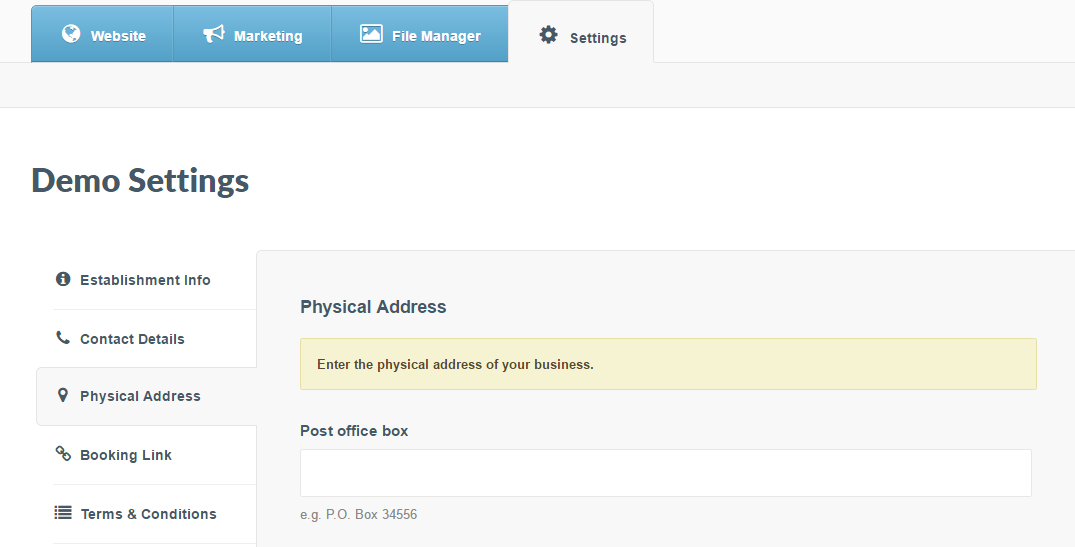
Step 2: Add your business physical address, using the relevant text fields
Step 3: Add a link to your business' location on Google maps in the Map Link field
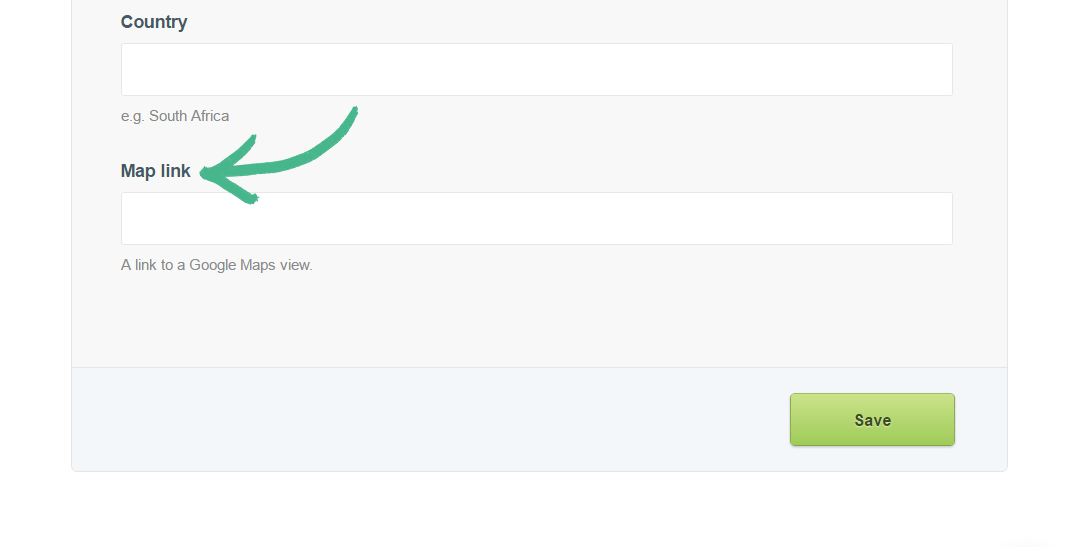
Note: This is the location that will be linked to the Locate us button on your mobile website
Was this article helpful?
Sorry about that! Care to tell us more?