
Setting your Reviews Page Live
Edited
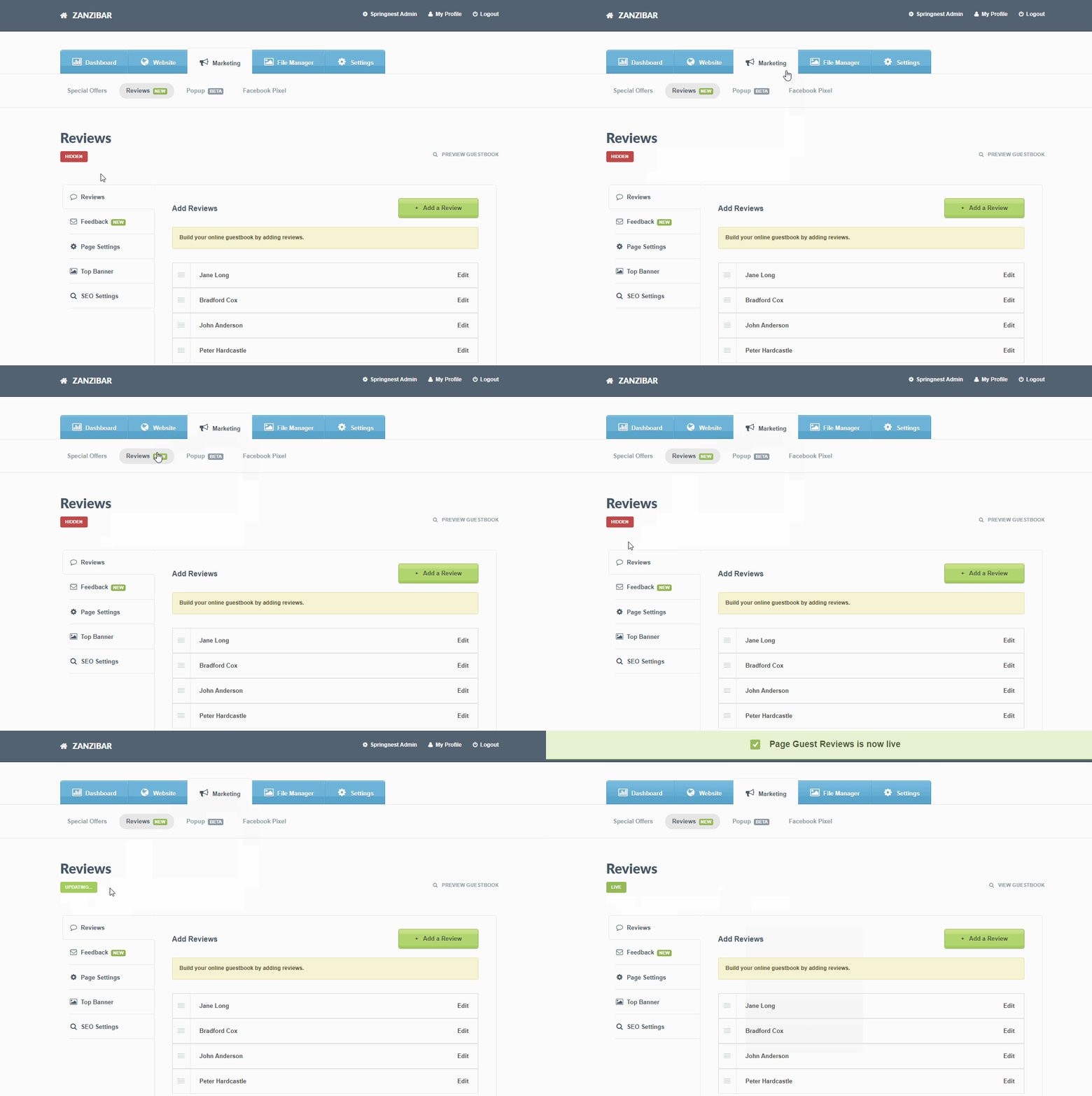
You can choose to set your Reviews Page as Hidden of Live. When Live, this page will appear in the Menu Builder. We recommend adding at least one Review before setting this page as Live.
Step 1: Navigate to the Marketing tab > select the Reviews section
Step 2: Hover over the red Hidden button > click Go Live once
Was this article helpful?
Sorry about that! Care to tell us more?