
Adding a Weather Widget to your website
Edited
The weather widget is a simple way to display the current weather conditions of your destination on your website. The weather can hold an emotional or perceptional value for your guests, but it's also a practical tool for businesses selling or organising tours and activities.
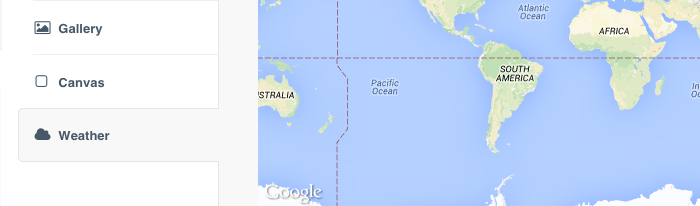
Step 1: Select the Website tab > Click on the Widgets section > Select Weather from the left-hand menu
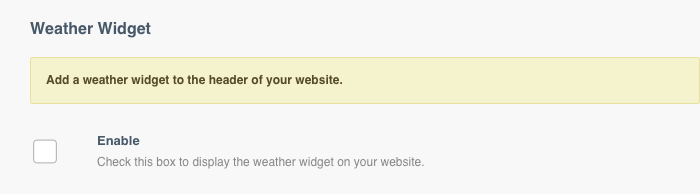
Step 2: Tick the Enable box this ensures that the Weather widget is visible on your website
Step 3: Select the Temperature Unit from the drop-down list

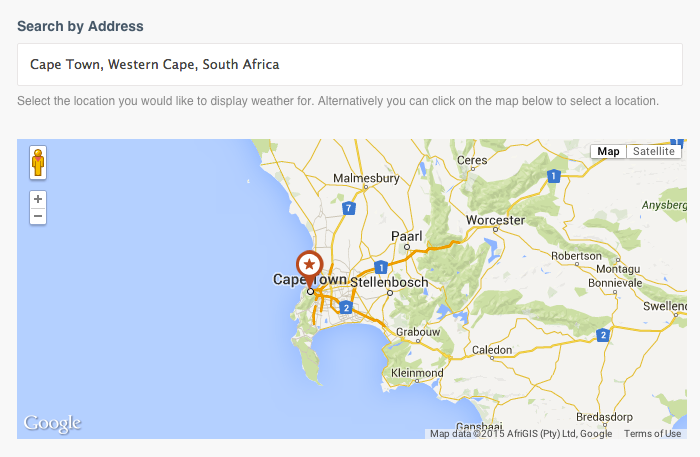
Step 4: Type your location address into the Search by Address field
Step 5: Click Save
Was this article helpful?
Sorry about that! Care to tell us more?