Which TripAdvisor widget works best for your badges and certificates?
Springnest allows you to easily add TripAdvisor content to your own website. We encourage adding TripAdvisor widgets and badges, purely based on TripAdvisor's superior influence on travellers' booking decisions.
Here are badges we recommend showcasing on your website:
Certificate of excellence: The most valuable badge, gives the traveller a perception of quality.
Review snippets: A simple way to showcase latest guest feedback, and overall quality score of property.
Bravo badge: Useful for properties who have great reviews overall (but recently received some negative reviews).
Which TripAdvisor widget works best?
1. TripAdvisor Widget
Our Recommendation: The Certificate of Excellence or the Bravo badge.
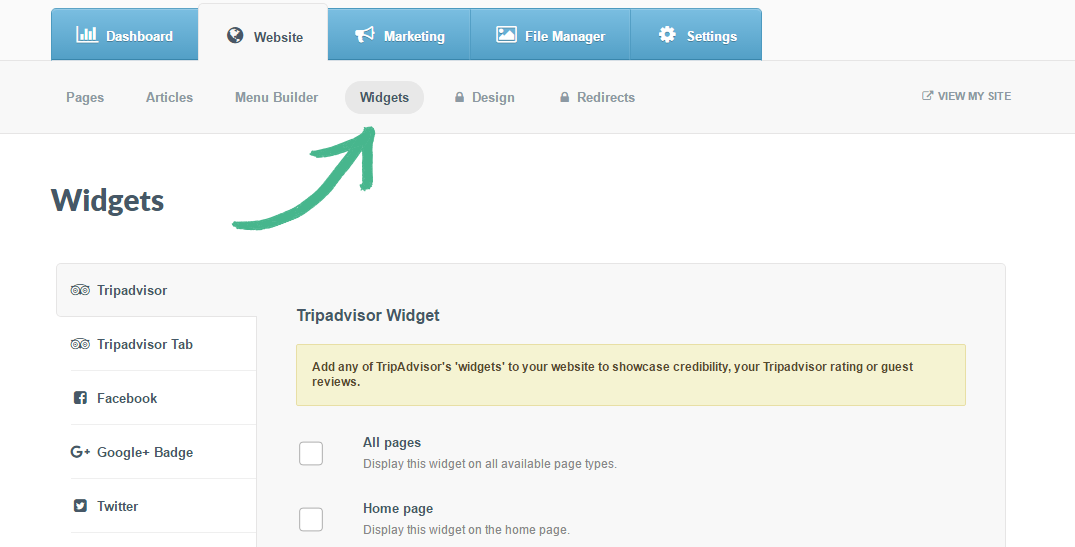
Step 1: Select the Website tab > Click the Widgets button > The TripAdvisor widget will automatically be selected
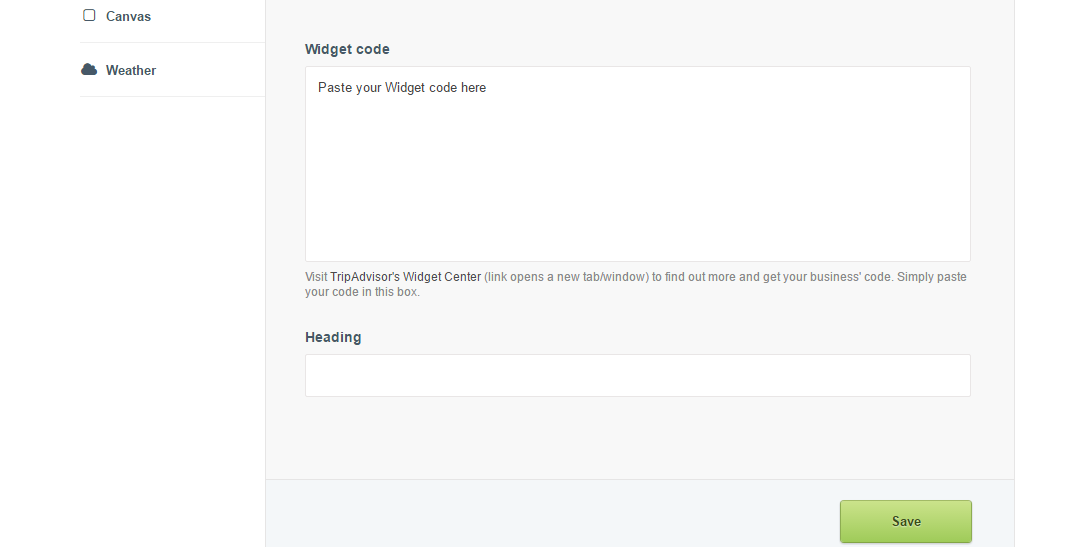
Step 2: Visit TripAdvisors Widget Centre > Copy and paste the relevant Widget code into the Widget code field in Springnest > Click Save
2. TripAdvisor Floating tab
Our Recommendation: Review Snippets, or if you would like to add more than one badge (add the Certificate of Excellence).
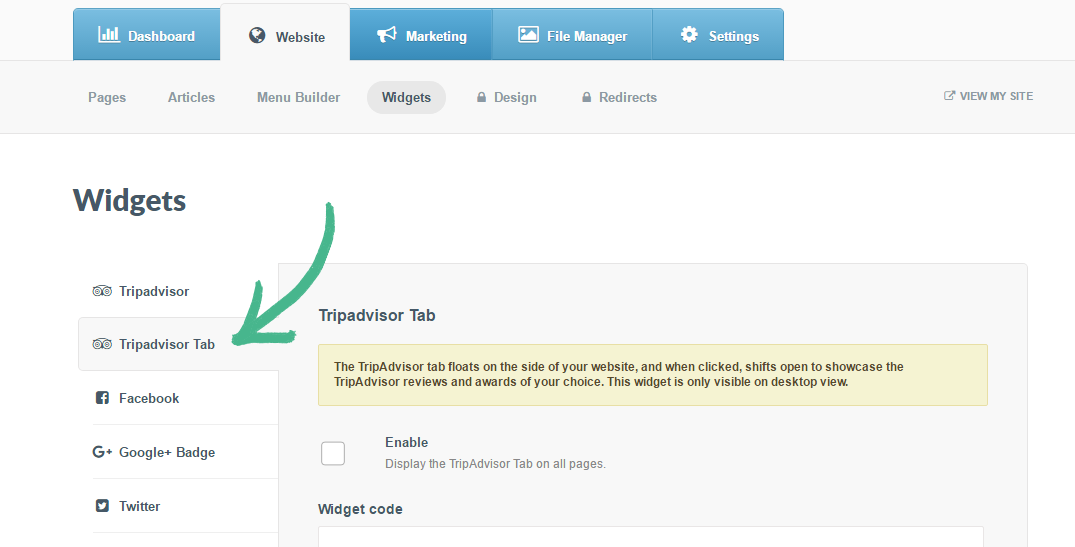
Step 1: Select the Website tab > Click the Widgets button > Select TripAdvisor tab in the left-hand menu
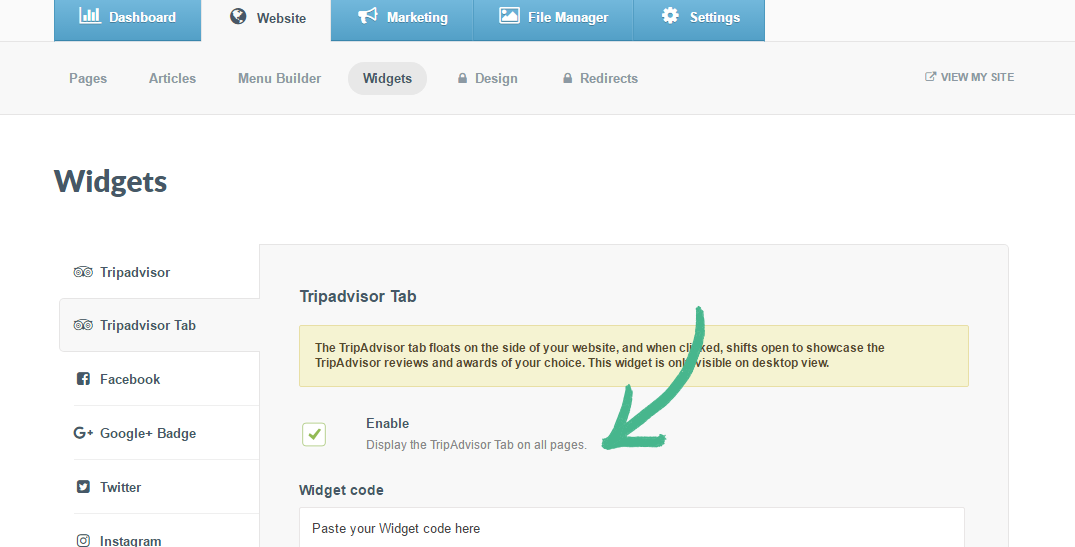
Step 2: Visit TripAdvisors Widget Centre > Copy and paste the relevant Widget code into the Widget code field in Springnest > Check the Enable box > Click Save