
How to reset your Springnest password
Edited
Forgot your Springnest password? Here is a quick guide on how to reset your password
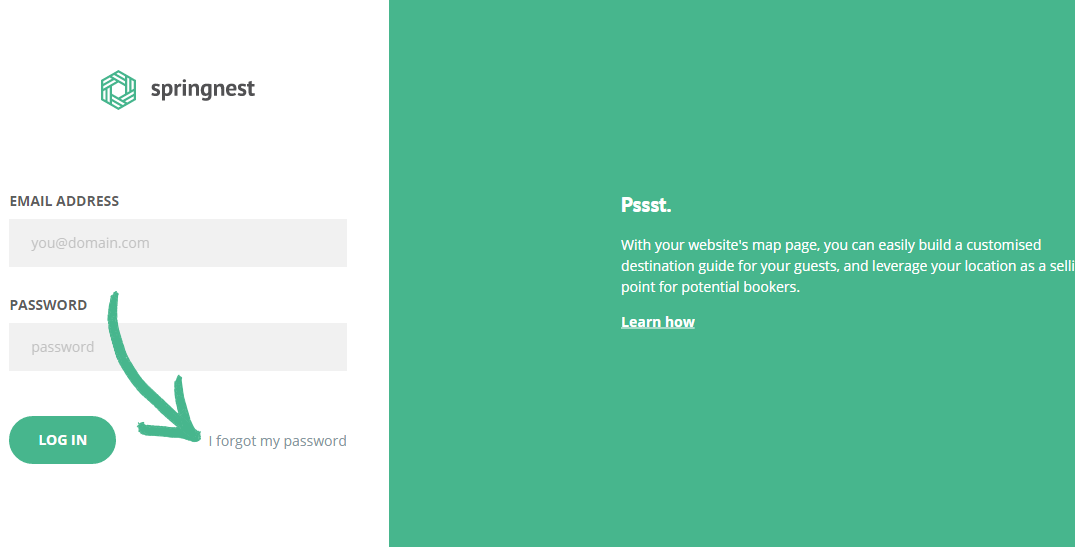
Step 1: Navigate to the Springnest login page > Click I forgot my password
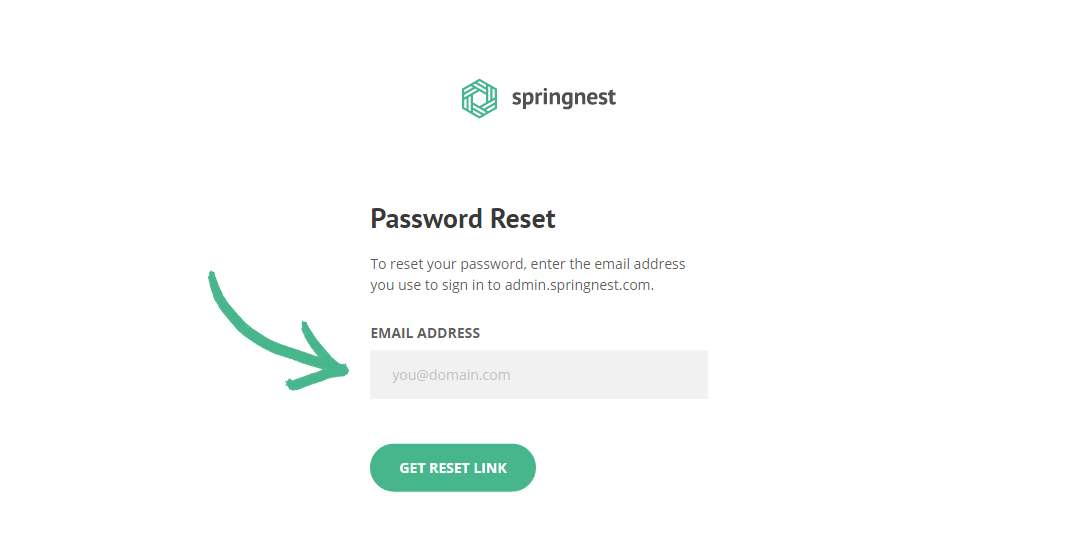
Step 2: Enter the email address you use to sign in to admin.springnest.com
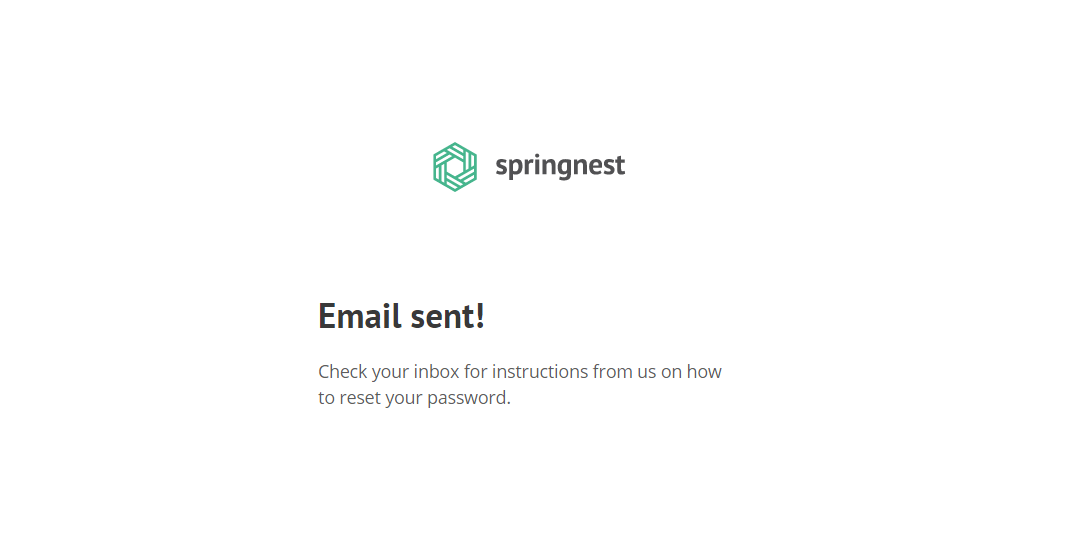
Step 3: Check your email for further instructions
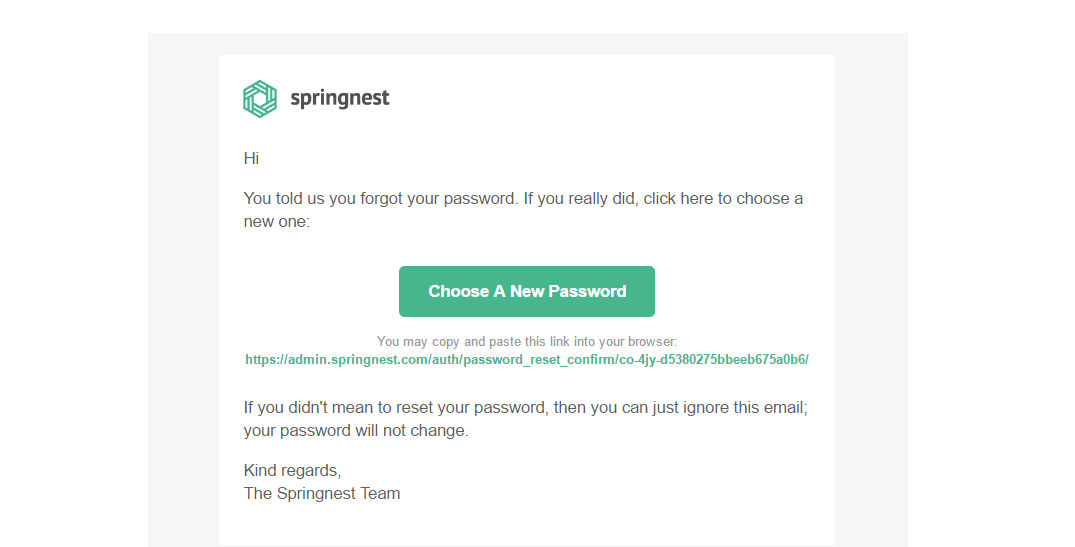
Step 4: Click the Choose a New Password button
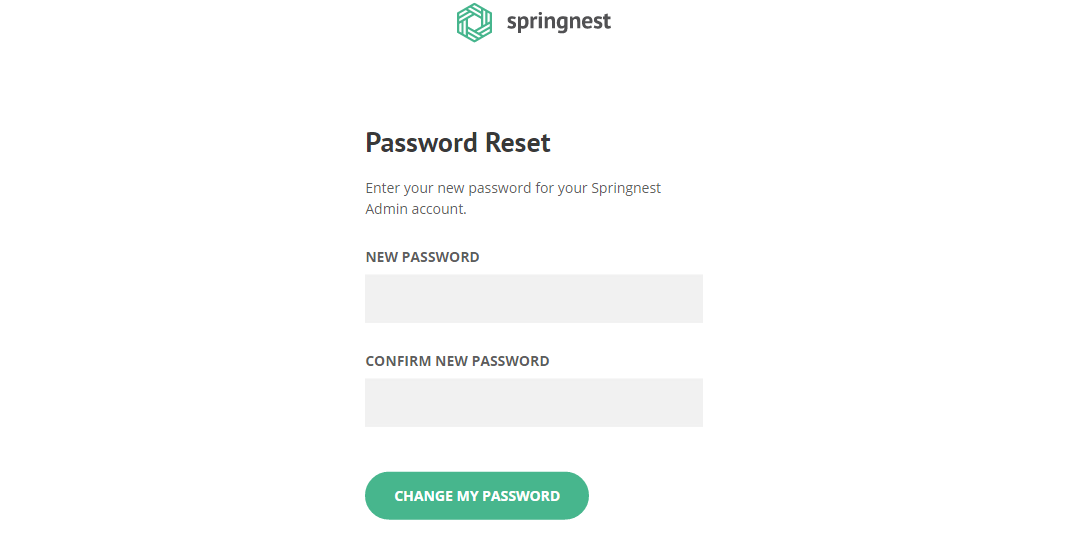
Step 5: Complete both fields and click Change my Password
Was this article helpful?
Sorry about that! Care to tell us more?